Bloodline

2026
overview
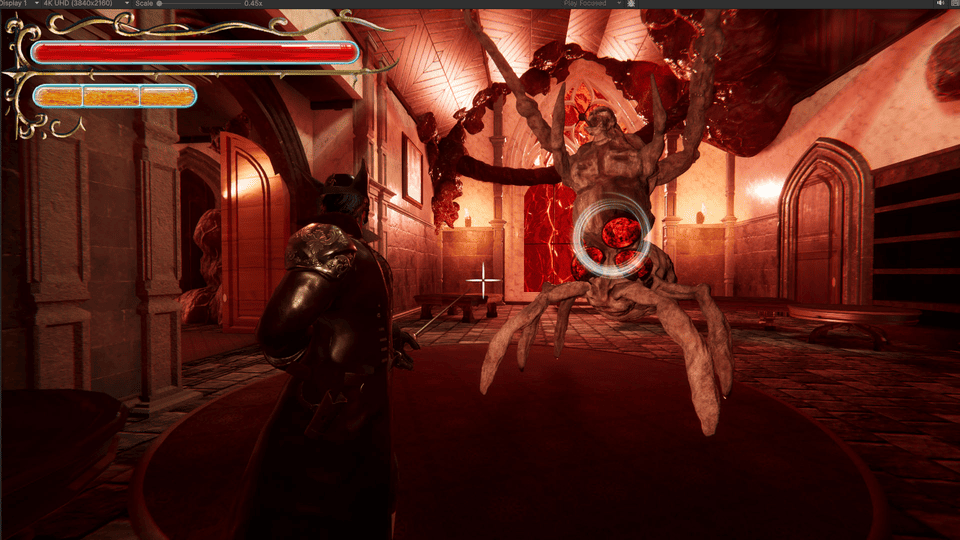
Bloodline is a 3D, over the shoulder, precision melee combat game where you play as a talented swordmaster who, after a terrible entity curses the Masquerade party they were attending, they must make their way through the transfigured, gothic mansion and destroy the source of its corruption. Stab through the insectlike party-goers with aim-based rapier combat. Steal Blood and use it to draw sigils to magically enhance your swordplay. Seek out and destroy the Heart of Corruption within before it spreads its influence to the rest of the land.
Genre: Soulslike, Action, Melee Combat, Magic
Engine: Unity
Softwares: Fork, Visual Studio, Rider, Maya, Substance Painter, Substance Designer, EmberGen, FMOD
Team size: 5 core members and 16 collaborators
Duration: 6 months
Platform: PC (Itch.io)
responsibilities
programmer
I was invited to join the Bloodline team as a programmer, working alongside our skilled Project Manager, who also contributed to the game’s programming. We decided to divide our responsibilities, with me focusing on player mechanics and systems, camera, UI, runes, cinematics, and the final encounter.
build master
Together with my colleagues, I took responsibility for regularly building and testing the game, aiming to produce nearly one build per day to identify and address major bugs as early as possible. To keep the team organized, we created a shared Google Drive folder where we uploaded each build, allowing us to track versions, identify the latest build, and whether each version was stable or contained known issues.
organization
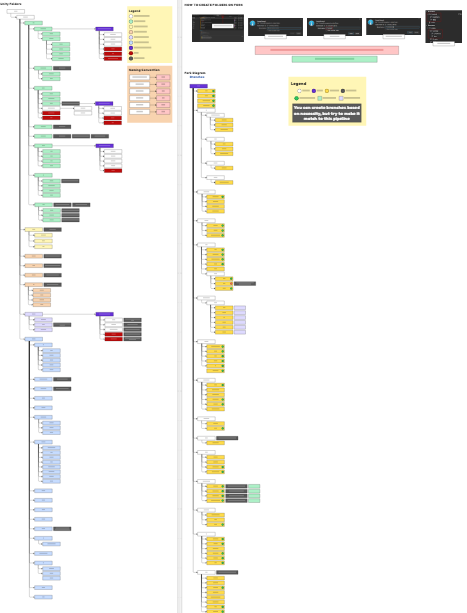
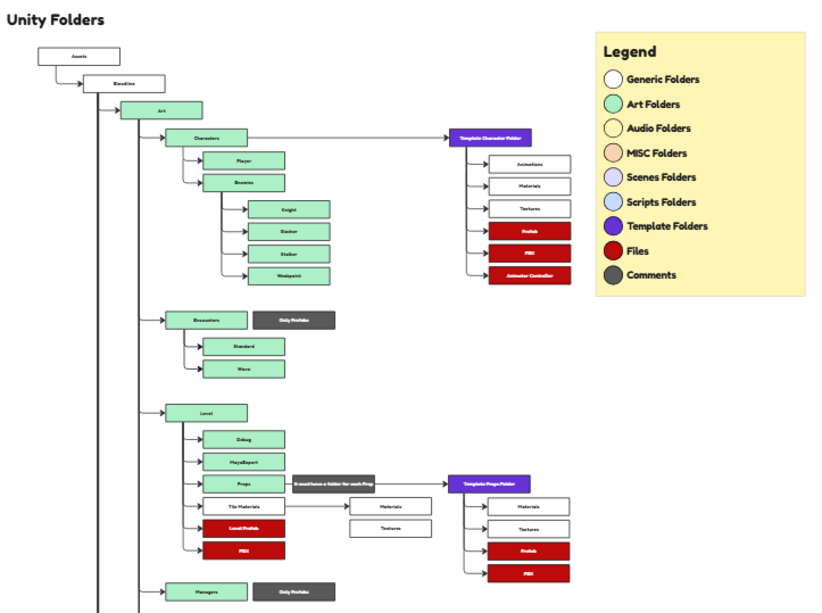
When migrating the prototype to a new repository, I took the initiative to establish a structured workflow for all departments using Miro. I organized the folder hierarchy and branch structure to improve file management, streamline collaboration, and minimize the risk of merge conflicts.
execution
player's features
Once we had established our workflow, my Project Manager and I decided that I would focus on all aspects of player development. This included implementing core mechanics such as movement, dashing, thrust attacks, and spellcasting, as well as developing essential player systems, including health, mana, runes, and the save system.
(Videos) Player walking and player attacking
player's animations
Once the Art Department had completed the player’s animations, I was responsible for integrating them into Unity and fine-tuning them to work seamlessly with the corresponding mechanics. This involved implementing animation curves for inverse kinematics (IK), time scaling, and input-buffering events, as well as adjusting animation playback speeds to achieve more realistic movement. Of all the animations I worked on, Dash was by far the most challenging and rewarding, as I focused on making it feel responsive, fluid, and satisfying to use.
(Video) Player dashing
shape recognition
This was one of the project’s core systems and greatest technical risks. With the support of my colleague, I managed to establish its initial structure within the first two weeks of prototyping, then continued refining it to improve its accuracy and reliability. Using Unity’s Line Renderer, I developed a drawing system that captured the coordinates of the player’s drawn shapes. Then, I broke the recognition process into smaller steps, analyzing vertices, angles, roundness, drawing direction, and intersections to determine which shape had been drawn.
(Videos) Player casting a line and casting a rune
final encounter
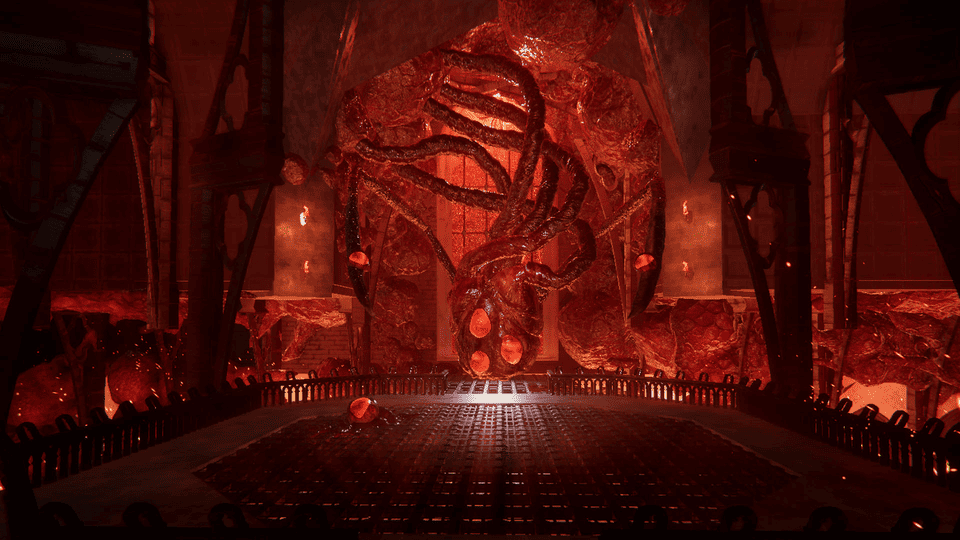
This feature was challenging to develop, as it went through several iterations before we achieved a result that satisfied the team. Our goal was to create an engaging boss encounter with an artistic style that complemented the rest of the game, without adding unnecessary complexity. We wanted to keep the focus on the core combat mechanics, particularly rapier combat and spellcasting. As a result, we opted for a stationary boss with a set of scripted events and triggers that controlled its attacks and defensive actions.
I was responsible for implementing all the gameplay systems related to this encounter, including the AI states for attacking, staggering, and idling. Additionally, I animated both the Heart and its Legs, bringing the boss to life and ensuring its movements complemented its behavior.
(Videos) Heart’s spawn and attack
ui/ux coding
Working closely with the Art Department, I collaborated with the team to create a UI that was both visually appealing and intuitive for players. Throughout development, we continuously discussed and refined the interface to ensure a smooth user experience while maintaining the game’s artistic direction. I also organized the UI elements in the scene using prefabs and implemented the events and triggers for all UI buttons and inputs, ensuring that each element functioned as intended.
(Video) Main menu
vfx implementation
Working alongside the other programmer, I was responsible for integrating the visual effects (VFX) created by our Level Designer. We divided the work based on the features we had previously developed, with each of us integrating the effects related to our respective systems. This approach helped us maintain consistency across the project and ensured that each visual effect was properly integrated with its corresponding mechanics.
learned
animation implementation
Working on a game that demanded a high level of animation polish was a valuable learning experience, giving me a deeper understanding of how animations work and how they can be fine-tuned to improve the overall player experience. This was my first time working extensively with Animation Curves, and I dedicated significant time to refining them to achieve smooth, responsive, and satisfying gameplay.
ik controller
Our main goal was to give players full control over the rapier. During development, I was introduced to inverse kinematics (IK) in Unity and, after studying the system, implemented it through code to control the wrist’s position and adjust the rapier’s aim based on the mouse and wrist positions. Later, I also implemented IK for the Heart’s Legs, allowing their attacks to combine traditional animation with movement driven by code.
(Video) Rapier’s IK
optimization
Throughout development, we encountered several performance issues, primarily related to graphics, including complex character models with high polygon counts and numerous textures. With guidance from our teacher, I learned how to analyze rendering performance by monitoring draw calls and shaders in the scene, as well as how to implement occlusion culling to improve rendering efficiency. Although we consistently maintained good CPU performance, I also explored code-level optimizations, such as managing materials more efficiently, reducing unnecessary string operations, and improving code structure. This experience gave me a deeper understanding of performance optimization and taught me how to write more efficient and maintainable code.
(Video) Performance